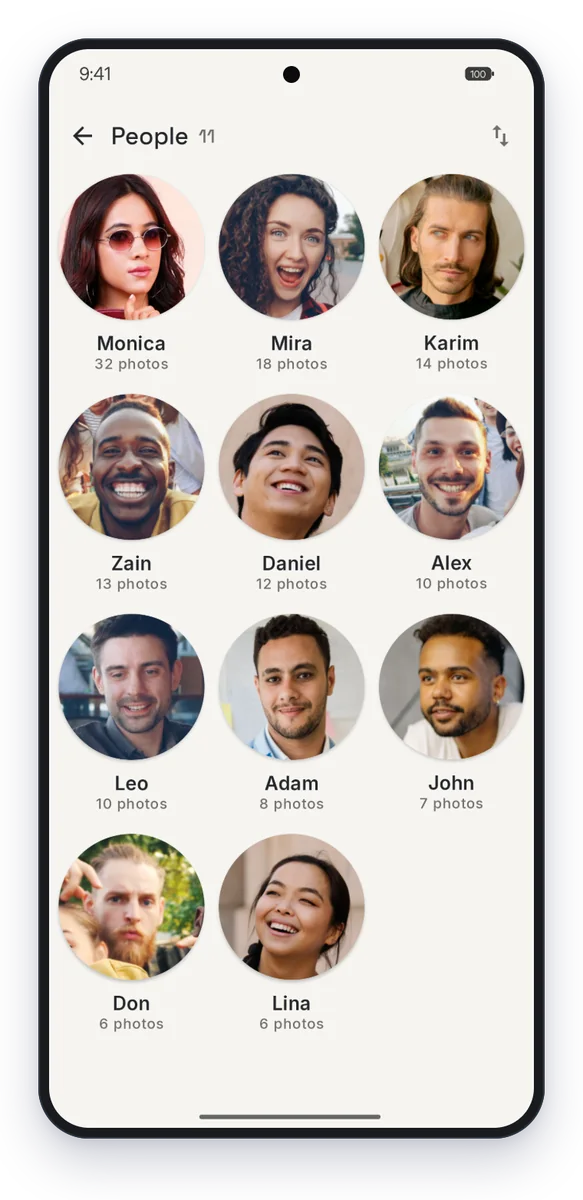
People
Select photos, tap Add person and type a name. Each person gets an album, and you can search for them with @ and their name.
 Raymo, the photo gallery for Android
Search your photos by describing them. Raymo tags them and sorts them into albums by what they show, where they were taken and the people you add. The AI runs on your phone, so your photos never leave your device.
 Coming soon
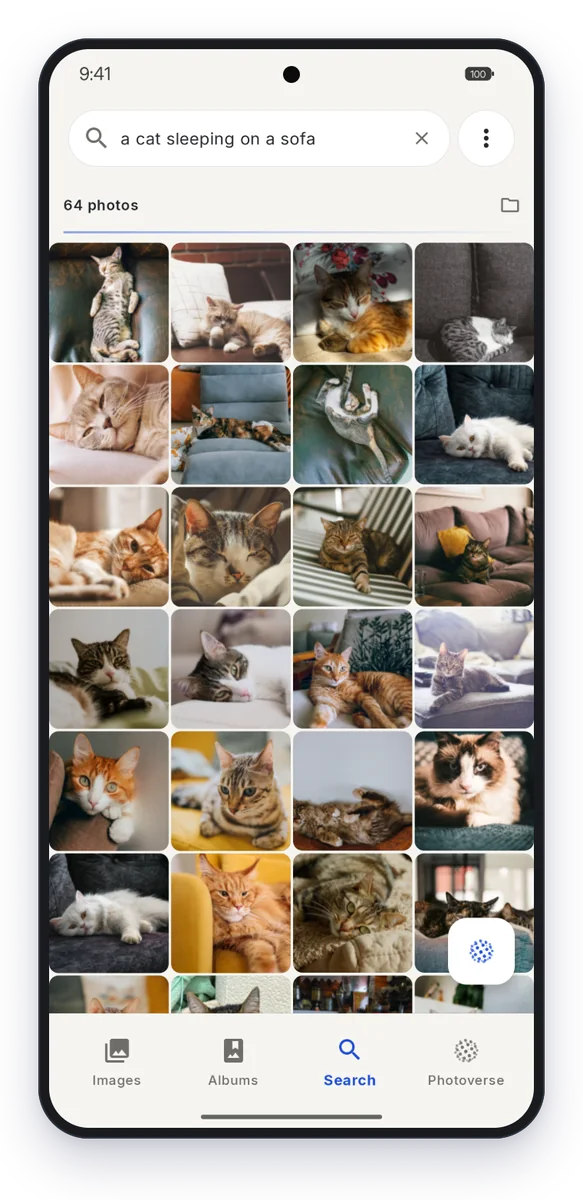
Raymo's search screen, showing 64 photos found for “a cat sleeping on a sofa”, in front of the People screen.
Type what's in the photo, the way you'd describe it to a friend.
39 photos
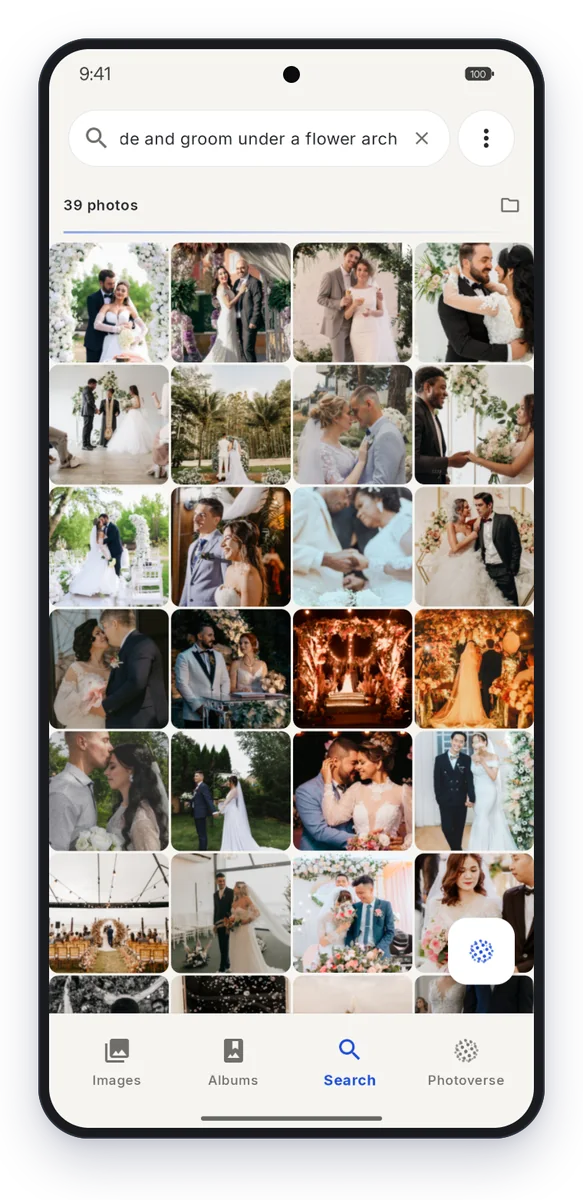
Add the people in your photos by name, then search by name or nickname.
5 photos

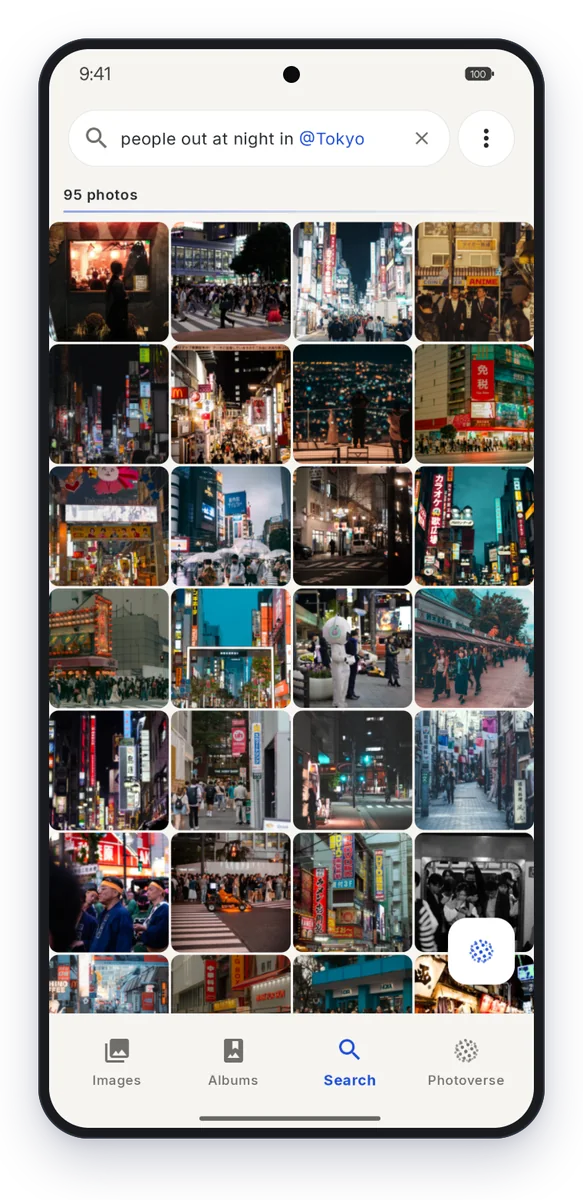
Raymo uses the location saved in your photos, so you can add a city or a country to any search.
95 photos
Open any photo, or take one with the camera, and find the ones that look like it.

Raymo sorts your photos by what's in them and where they were taken, and keeps an album for each person you add.
Select photos, tap Add person and type a name. Each person gets an album, and you can search for them with @ and their name.
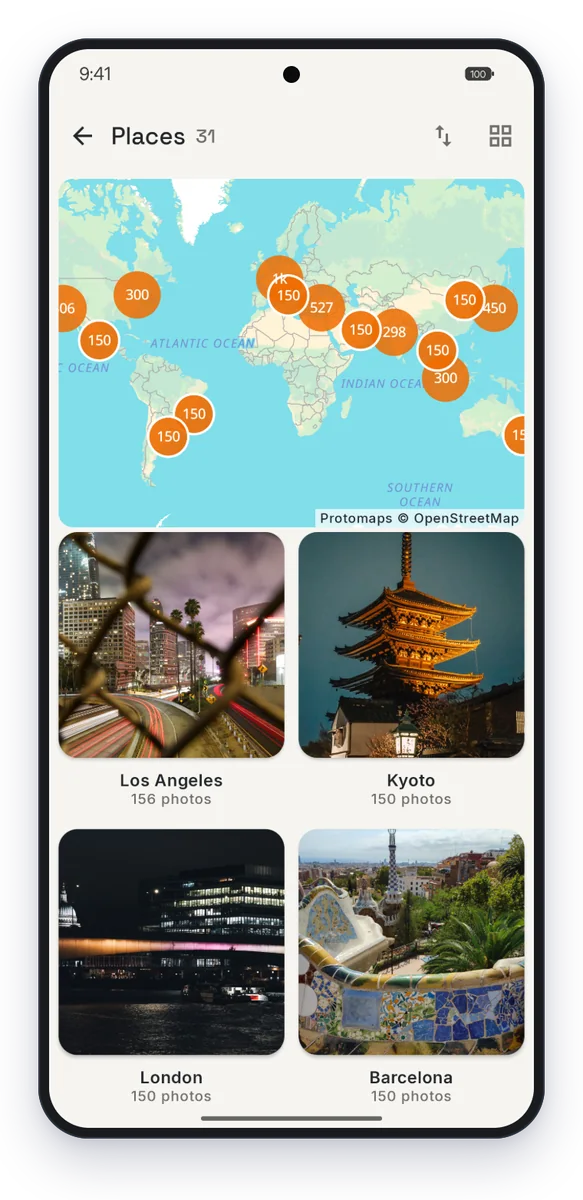
Your photos on a map, with a built-in atlas that works offline.
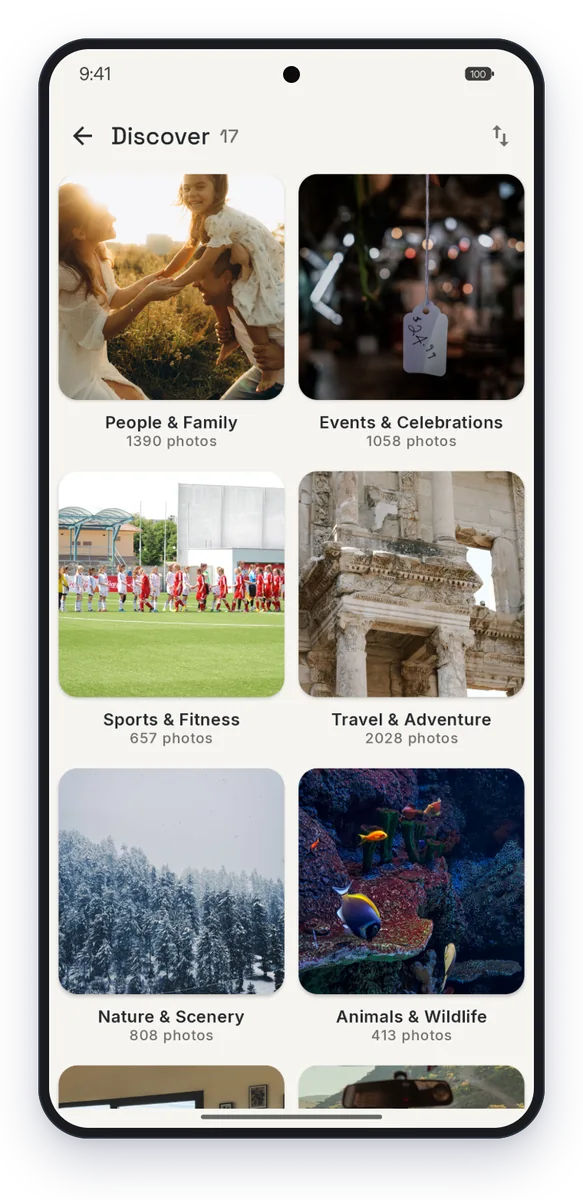
Albums such as Travel & Adventure or Animals & Wildlife, with tags inside each one.
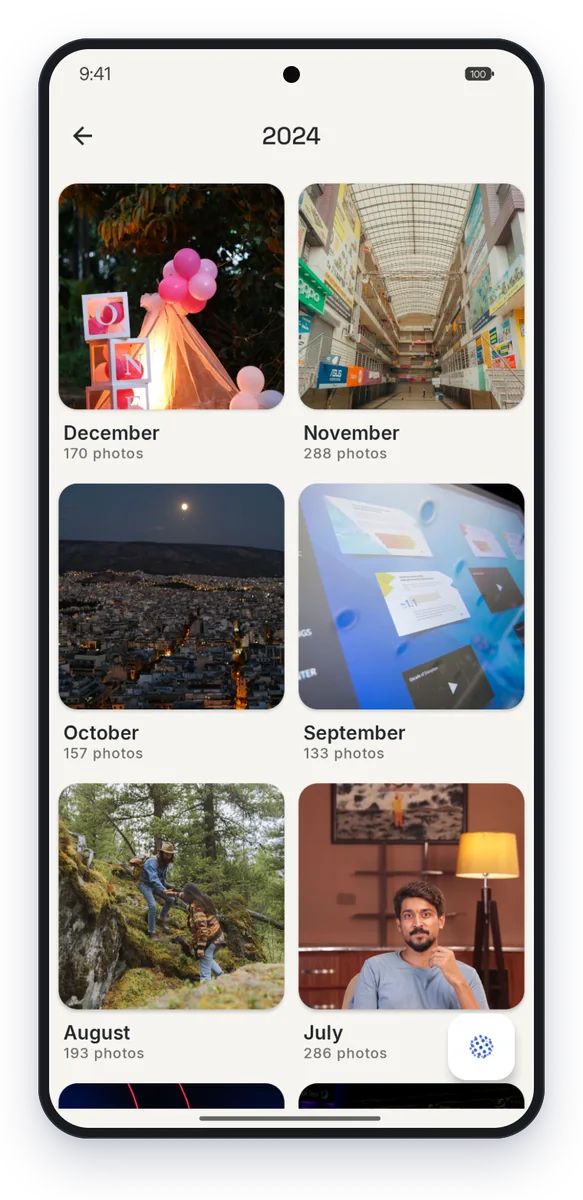
Look back year by year and month by month.
Group people into circles such as Family or Friends and see their photos together.

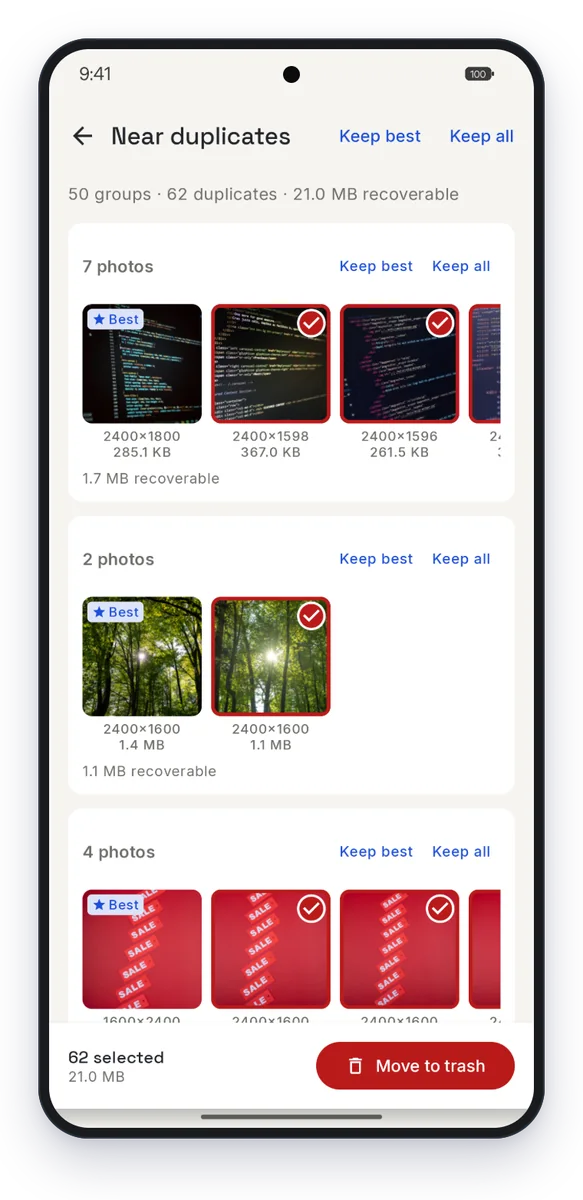
Duplicates and look-alikes are grouped with the best one marked. Blurry photos are found too.
See where each photo was taken and what's in it, and correct a tag when you need to.
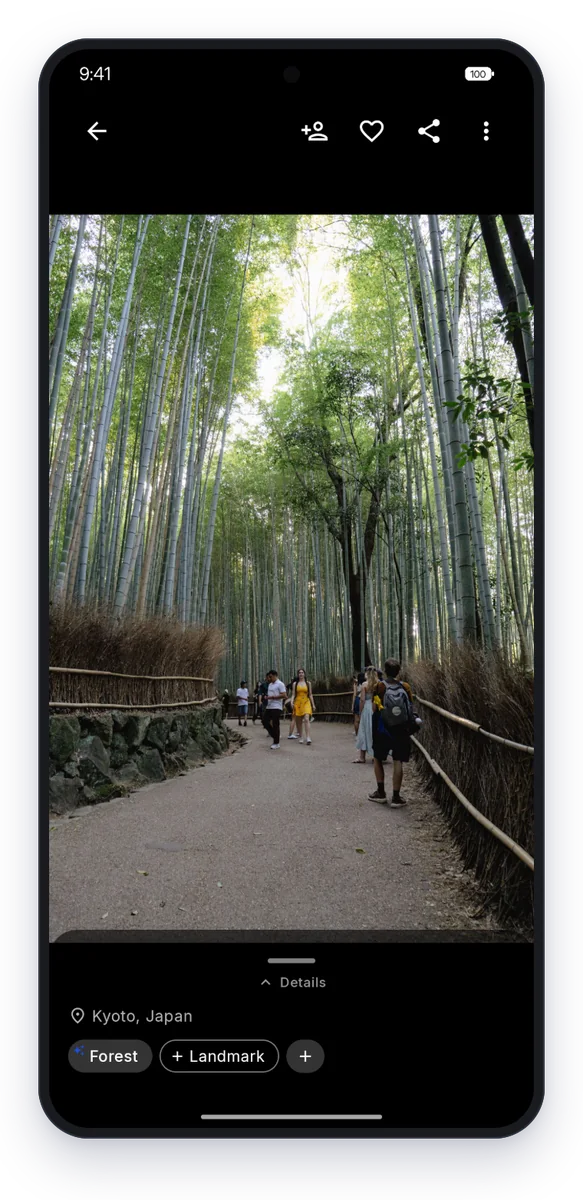
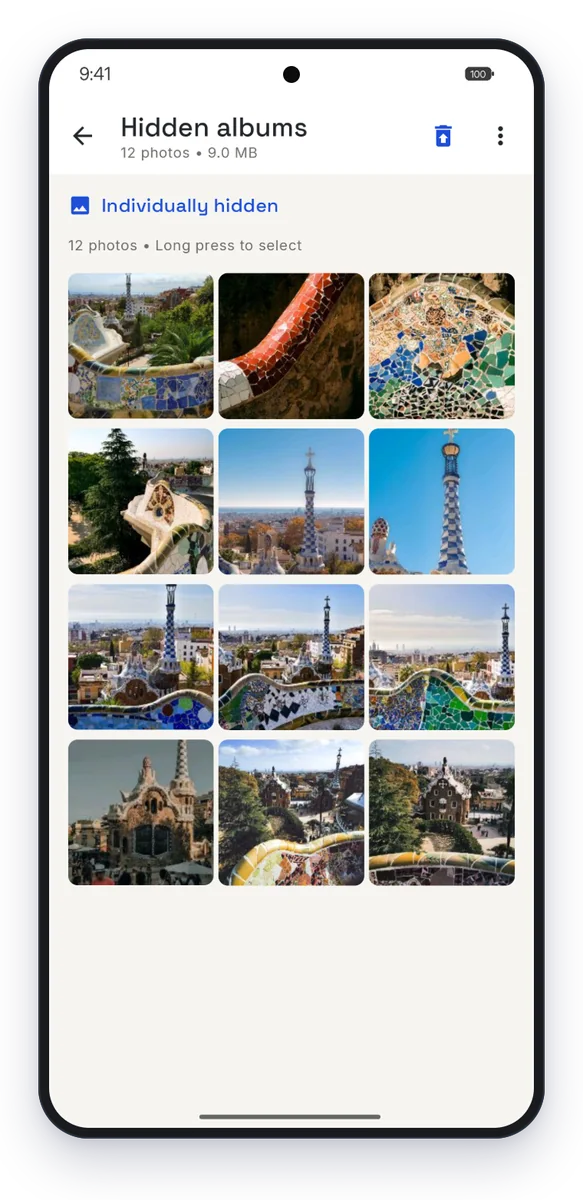
Hide photos from the gallery. Raymo encrypts them into a folder you choose on your phone, and your hidden albums open with a password you choose, or with a longer one if you turn on strong protection.
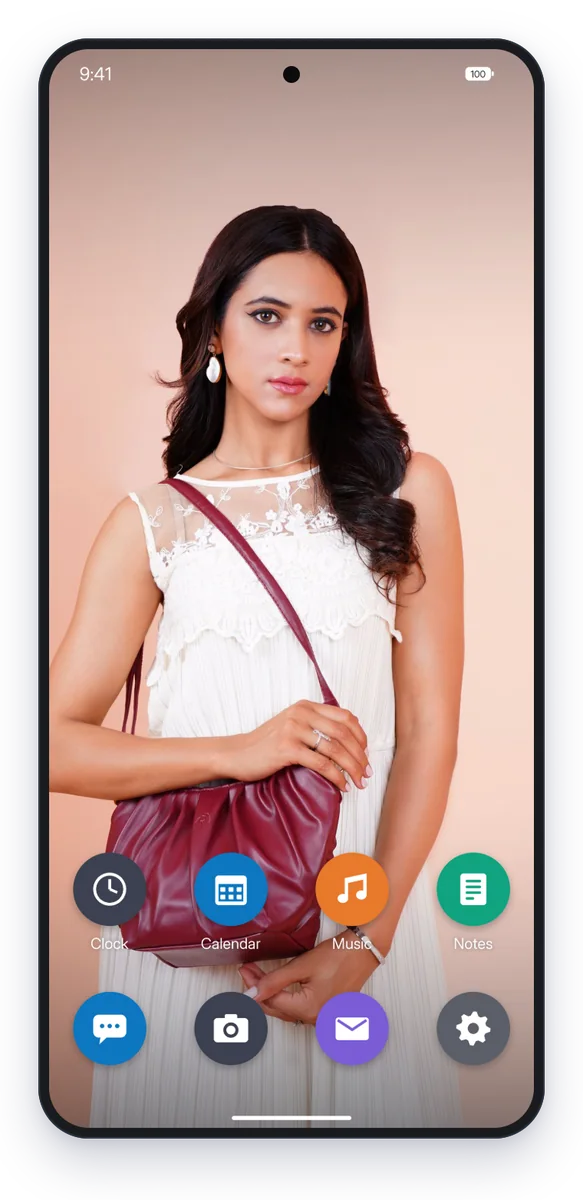
Your home and lock screens change through photos of a person, a circle or your favorites, as often as you choose.

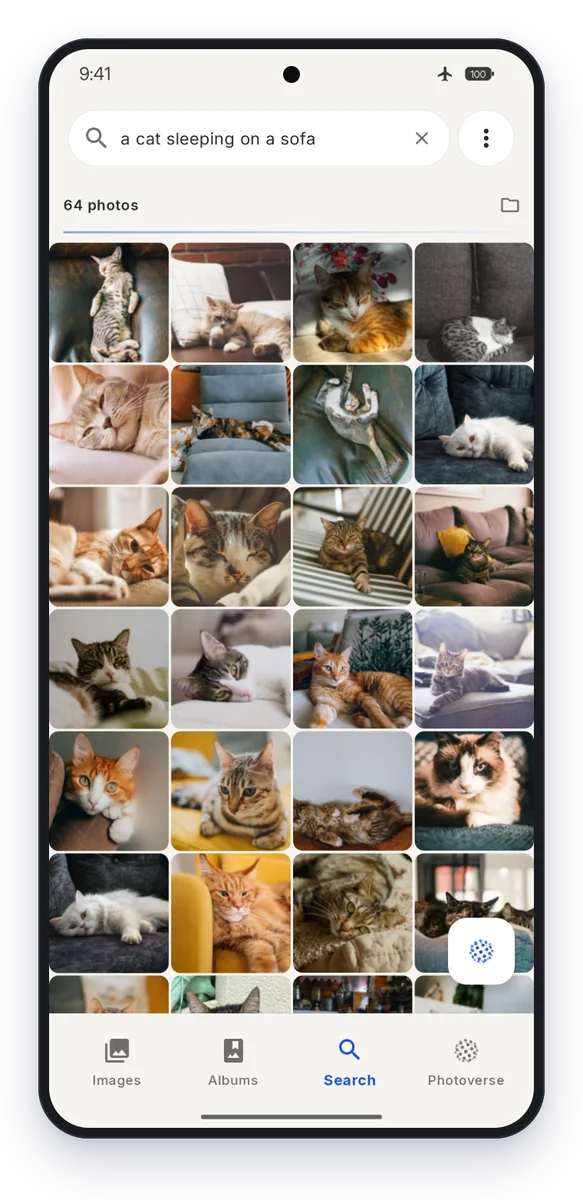
Raymo's AI runs on your phone. Search, tagging, people and places all work without a connection, including in airplane mode.
Every photo becomes a point of light, placed by what it shows. Fly through it, or let the camera take a tour.
Worked out on your phone from what each photo shows.
Spells a name with your photos: a person, a circle, a place or a folder.
Save a flight through your photos as a video.
There is no account to create. Choose whether to send crash reports and allow access to your photos.
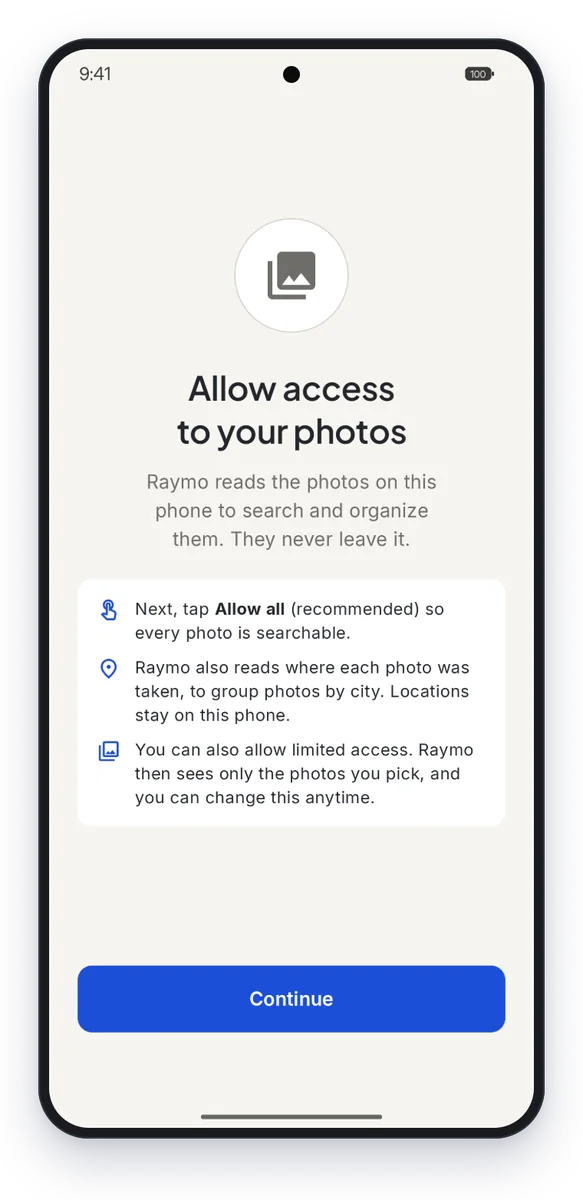
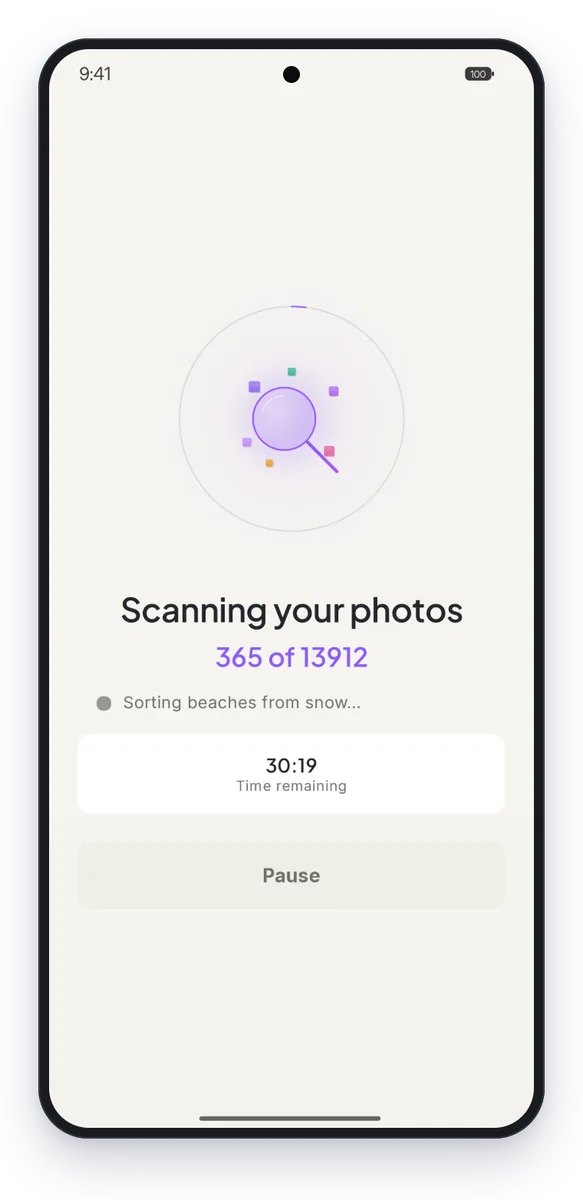
On your phone: what's in each photo and where it was taken. A large library takes a while the first time.
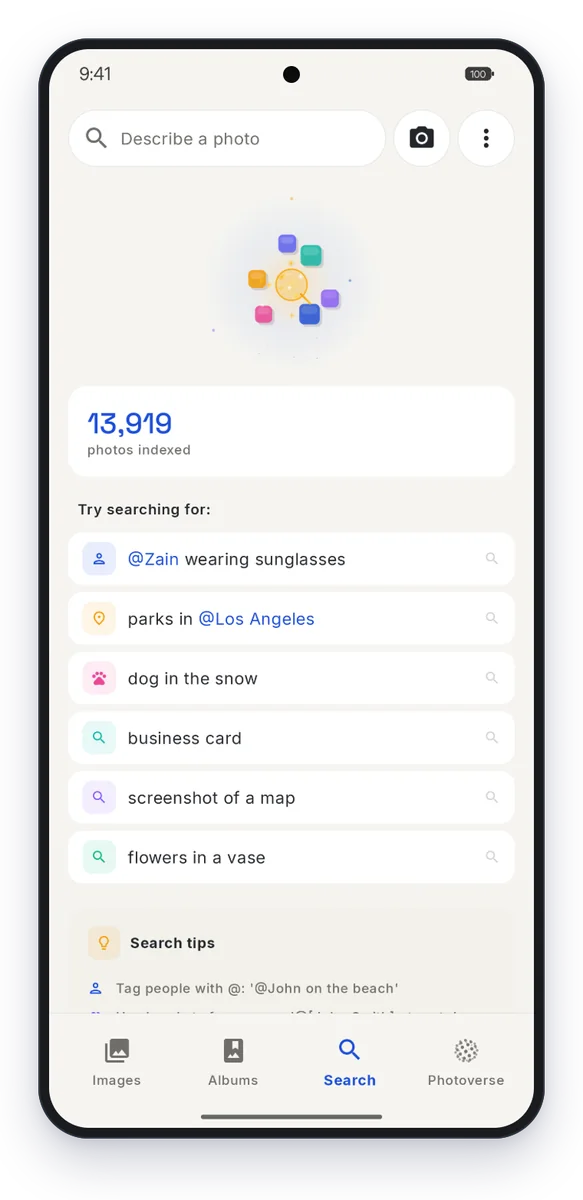
Search, browse your albums or open the Photoverse. New photos are added automatically.
No. Raymo analyzes your photos on your phone: search, tags and places are all worked out there. Your photos are never uploaded.
Yes. Search, tagging, people and places all work in airplane mode.
No. There is nothing to sign up for. Install Raymo, allow access to your photos and start.
Android 7.0 and newer. The AI models are part of the install, so the download from Google Play is large, about 800 MB.
It depends on how many photos you have and on your phone. A large library takes a while the first time. After that, new photos are added automatically.
No. You add people yourself: select photos, tap Add person and type a name. Raymo then keeps an album for that person, and you can search for them with @ and their name.
Raymo is free to try. To keep all its features afterwards, you choose a subscription or a one-time purchase in the app. Google Play shows the price before you pay.
Kanica FZ LLC, in Fujairah, United Arab Emirates. Raymo is a Kanica Labs product.
Search, sort and explore your photos with AI that stays on your phone.
Coming soon
Free to try · No account · Android 7.0 and newer